View Details
Siemens
410455828
MFR #410455828
SKU #YLSL5RI1TVEAXYN
We use cookies on our website to provide you with a better experience. Cookies are used to improve site performance, personalize content, and analyze traffic.
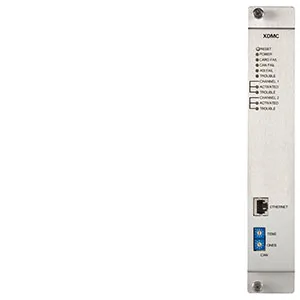
Photo may not represent actual item. Refer to name and product specs for all details.
XDMC - Digital Message Card. The Model XDMC Digital Message Card allows either a Siemens Modular or FireFinder XLS voice system to support up to 300 automatic or manually activated audio messages. Each Model XDMC can play two (2) messages simultaneously, and up to two (2) XDMCs can be used in a single system simultaneously. The card can store up to 100 minutes of phrases in its onboard memory, and the system can assemble these phrases into the 300 messages. Users can configure the control panel to associate a message to a particular event. Events and their associated messages can be sent to one or more speaker zones on the system, with the ability to prioritize the events. This means that a particular event can cause an Evacuation message to play in one area, and an Alert message in a second area. If an event then occurs in this second area, the Alert message can be changed to an evacuation message by the proper use of the priorities. Message can also be sent to speaker zones manually by activating switches on the Model SCM-8 module on a Siemens Modular system or FireFinder XLS panel. Every Model XDMC is mounted in a single slot of a CC-2 or CC-5 card cage. It communicates with a Model DAC-NET using the CAN communication bus. Like other cards that communicate via CAN, it must be mounted within the same enclosure as its associated Model DAC-NET. Diagnostic LEDs on the XDMC indicate power, communication, fault, and activation status. Phrases and messages are configured using a software tool called Composer. The Composer tool is included in the Zeus custom system configuration tool. Composer lets users import .MP3 or .WAV files to create a custom phrase library. Then, phrases from a default phrase library (also included with Composer) and a custom phrase library can be used to build messages. Composer also allows user to also configure properties of the messages, like adding pre-announce tones, minimum number of rounds, continuous play, or message duration. The use of Model XDMC requires the system to use several new revisions of system firmware and software. Systems must use PMI Rev. 9.02.0019 or higher, DAC-NET- Main Rev. 4.27 or higher, and Zeus Rev. 9.02.0015 or higher. Additionally, each Model XDMC is supported on systems through the use of the panel's main processor board.
XDMC - Digital Message Card. The Model XDMC Digital Message Card allows either a Siemens Modular or FireFinder XLS voice system to support up to 300 automatic or manually activated audio messages. Each Model XDMC can play two (2) messages simultaneously, and up to two (2) XDMCs can be used in a single system simultaneously. The card can store up to 100 minutes of phrases in its onboard memory, and the system can assemble these phrases into the 300 messages. Users can configure the control panel to associate a message to a particular event. Events and their associated messages can be sent to one or more speaker zones on the system, with the ability to prioritize the events. This means that a particular event can cause an Evacuation message to play in one area, and an Alert message in a second area. If an event then occurs in this second area, the Alert message can be changed to an evacuation message by the proper use of the priorities. Message can also be sent to speaker zones manually by activating switches on the Model SCM-8 module on a Siemens Modular system or FireFinder XLS panel. Every Model XDMC is mounted in a single slot of a CC-2 or CC-5 card cage. It communicates with a Model DAC-NET using the CAN communication bus. Like other cards that communicate via CAN, it must be mounted within the same enclosure as its associated Model DAC-NET. Diagnostic LEDs on the XDMC indicate power, communication, fault, and activation status. Phrases and messages are configured using a software tool called Composer. The Composer tool is included in the Zeus custom system configuration tool. Composer lets users import .MP3 or .WAV files to create a custom phrase library. Then, phrases from a default phrase library (also included with Composer) and a custom phrase library can be used to build messages. Composer also allows user to also configure properties of the messages, like adding pre-announce tones, minimum number of rounds, continuous play, or message duration. The use of Model XDMC requires the system to use several new revisions of system firmware and software. Systems must use PMI Rev. 9.02.0019 or higher, DAC-NET- Main Rev. 4.27 or higher, and Zeus Rev. 9.02.0015 or higher. Additionally, each Model XDMC is supported on systems through the use of the panel's main processor board.
Siemens
MFR #410455828
SKU #YLSL5RI1TVEAXYN
Siemens
MFR #500-019614
SKU #YLSLWCTJNEBHGM
Siemens
MFR #500-688977
SKU #YLSIOUQOSOIRZHE
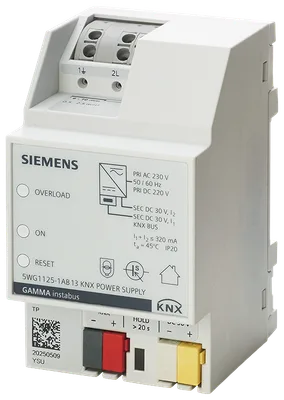
Siemens
MFR #5WG1125-1AB13
SKU #YLSTYMOKKXUB0
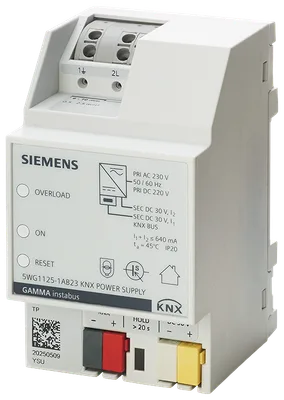
Siemens
MFR #5WG1125-1AB23
SKU #YLSLERTZCFLXF0P
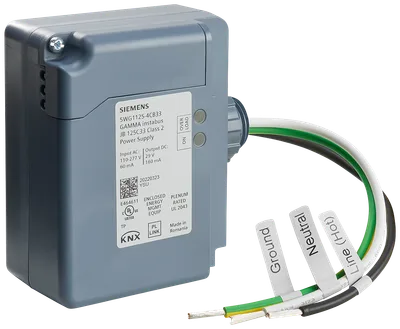
Siemens
MFR #5WG1125-4CB33
SKU #YLSW0XGZCPXHCDE
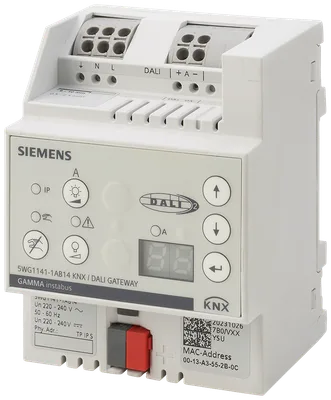
Siemens
MFR #5WG1141-1AB14
SKU #YLSVGXP12BHBWLH
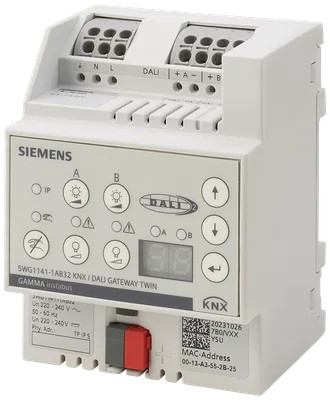
Siemens
MFR #5WG1141-1AB32
SKU #YLSY0VBN7VTSVY
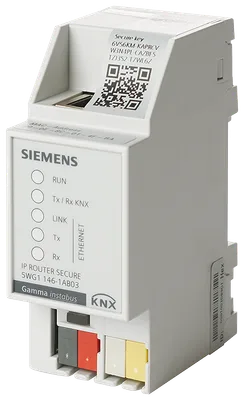
Siemens
MFR #5WG1146-1AB03
SKU #YLSAGHWH4KDB30E
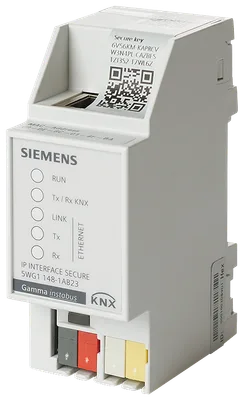
Siemens
MFR #5WG1148-1AB23
SKU #YLSLJIXSIVM1Y
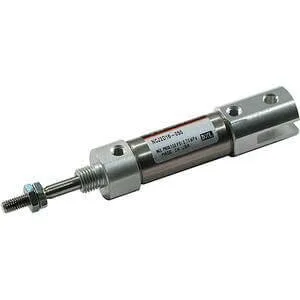
SMC
MFR #NCDJ2L10-300-B
SKU #YLSRRDWPL50RWQ2
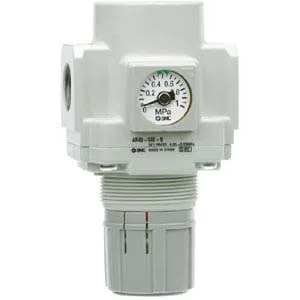
SMC
MFR #AR30-N02E-1Z-B
SKU #YLSYFNHADE6GRKV
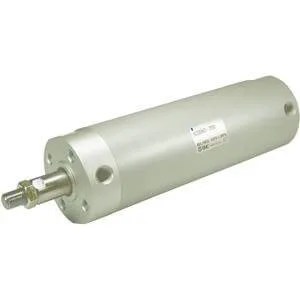
SMC
MFR #NCDGFN25-0100
SKU #YLST0TDV975HLIN
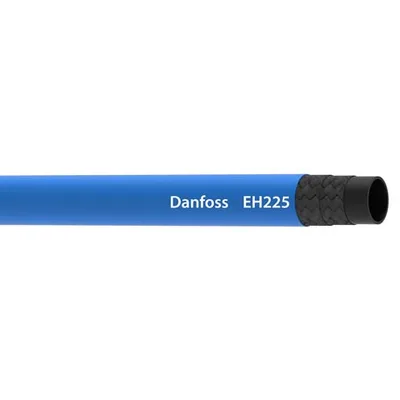
Danfoss Aeroquip LLC
MFR #EH22512
SKU #YLSRZ91UGVO64DG
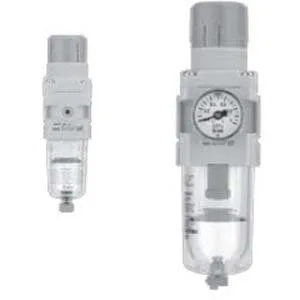
SMC
MFR #AW20-N02CG-6CZ-B
SKU #YLSNOOF0IBCZ3J3
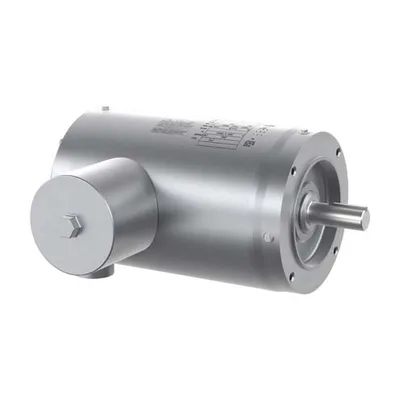
Baldor
MFR #VFSWDM3546T-5E
SKU #YLSRYYEFOOW6J5E
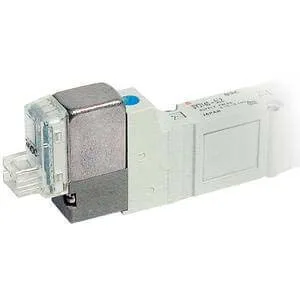
SMC
MFR #SY5420-5DZ-01
SKU #YLSQW9MERWL033X
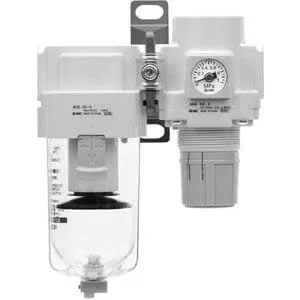
SMC
MFR #AC40B-N04G-RZ-B F/R COMBO MODULAR
SKU #YLS1HII4JHHH09L
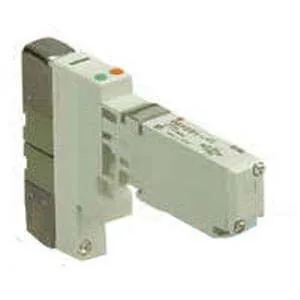
SMC
MFR #VQ1200-51-Q
SKU #YLSOVA6N31QD04G
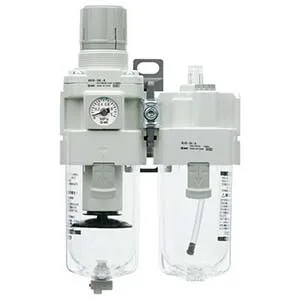
SMC
MFR #AC20A-01G-V-1-B FR/L COMBO MODULAR
SKU #YLSSMWXCWLO2KA6
Siemens S54430-B5-A1 priceSiemens S54430-B5-A1 quotebuy Siemens S54430-B5-A1S54430-B5-A1 priceS54430-B5-A1 stock availabilitySiemens spare partsSiemens S54430-B5-A1 equivalentSiemens S54430-B5-A1 specifications